Scammers are increasingly relying on fabricated images and doctored screenshots to bypass text-based security filters and trick unsuspecting victims. Whether it is a fake payment receipt, a manipulated text conversation, or a fraudulent product ad, these visual lies can be incredibly convincing at first glance. Learning how to dissect and verify these digital images is a crucial skill for protecting your personal data and financial security.
Why Cybercriminals Love Using Images
Email providers and social media platforms have developed highly advanced text-scanning algorithms designed to instantly catch and block known scam phrases. To cleverly bypass these automated security measures, cybercriminals frequently embed their deceptive text, malicious links, or fake customer support phone numbers directly into an image file, completely hiding their true intent from standard bots.
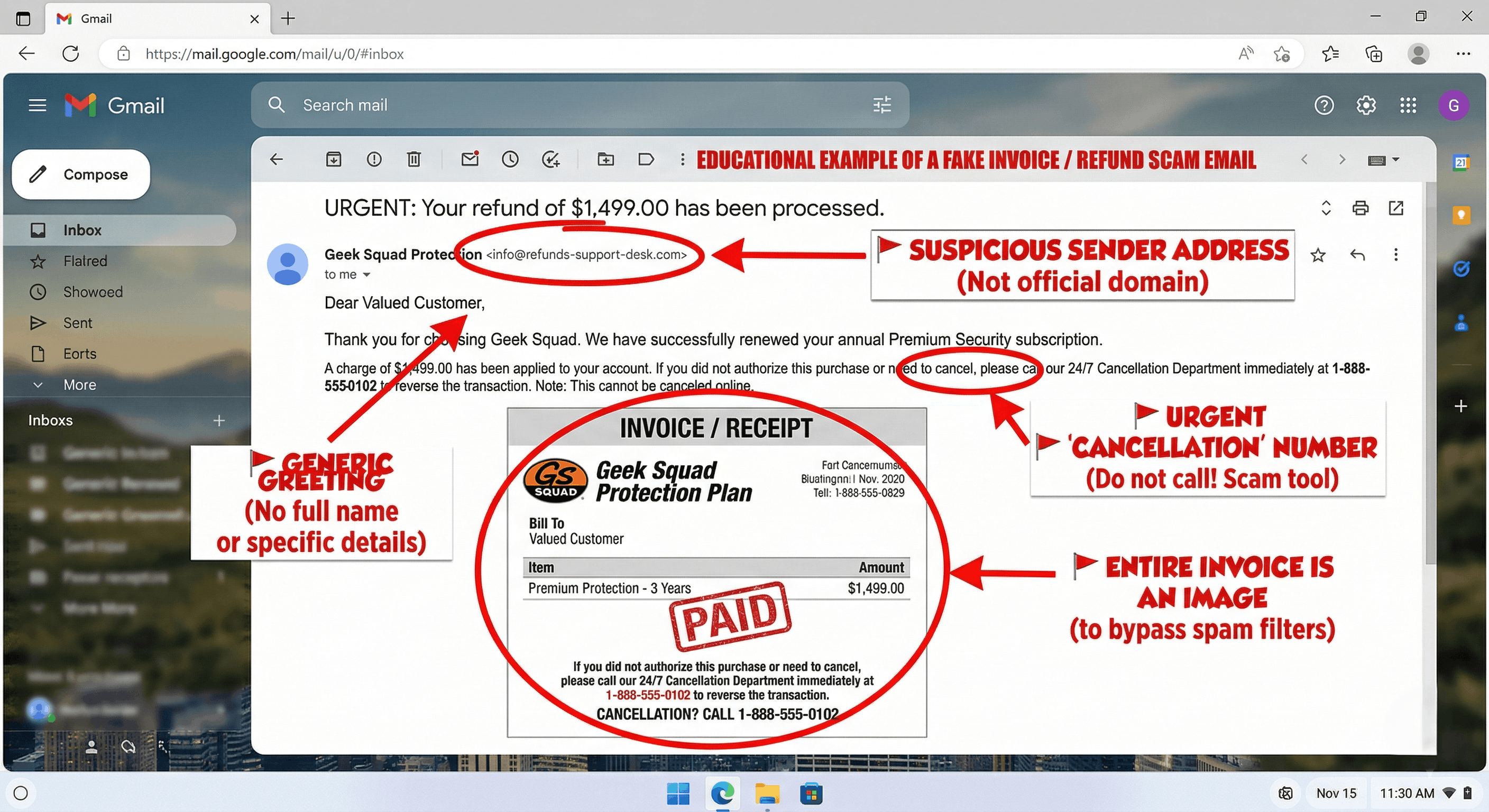
One of the most common tactics involves sending a seemingly urgent "payment receipt" or "invoice" as a JPEG or PNG attachment. Because the security filter only sees an image file and cannot easily read the text claiming you owe hundreds of dollars, the fraudulent message lands directly in your primary inbox, ready to cause immediate panic.
Additionally, scammers heavily rely on doctored screenshots of fake text conversations or forged bank transfer confirmations to build a false sense of trust. By presenting what looks like undeniable visual "proof" of a successful transaction or a celebrity endorsement, they successfully manipulate your emotions and rush you into making a costly mistake.
Spotting Visual Anomalies and Oddities
Even the most careful scammers often leave behind subtle digital fingerprints when they alter or fabricate an image. When reviewing a suspicious screenshot or graphic, your first step should always be to look closely at the text itself, paying attention to unusual fonts, awkward spacing, or glaring typographical errors that a legitimate, professional company would never publish.
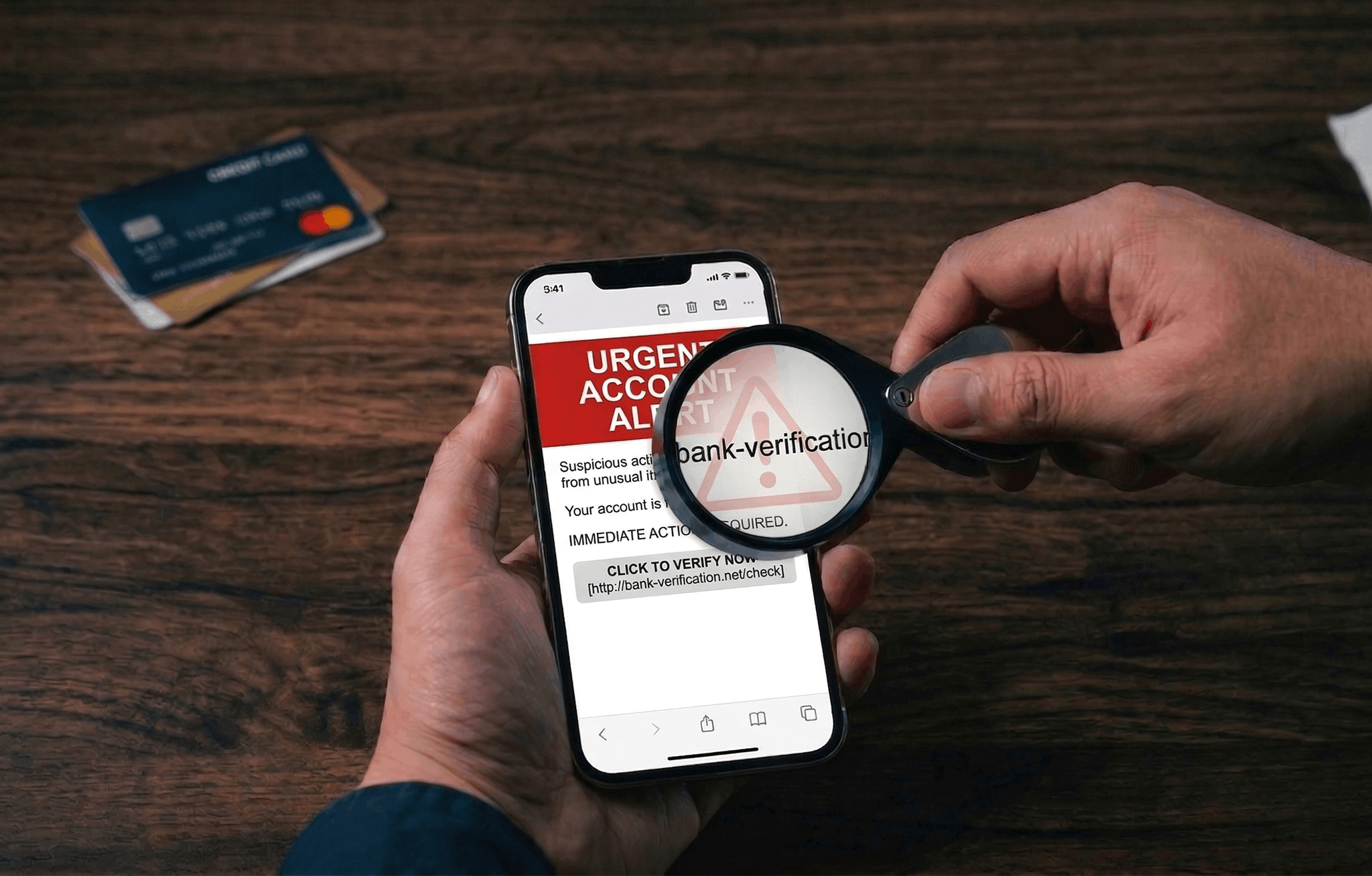
Pay extreme attention to the overall quality and visual consistency of the image. If you notice a specific block of text—such as the dollar amount on a receipt or the recipient's name—looks slightly blurrier, more pixelated, or differently colored than the rest of the document, you are likely looking at a crude digital alteration.
To quickly evaluate a suspicious image, keep an eye out for these specific visual errors:
- Blurry or heavily pixelated text surrounding crucial information like names and dollar amounts.
- Inconsistent font styles, unnatural alignments, or varied text sizes within the same document.
- Outdated, warped, poorly cropped, or improperly colored corporate logos.
How to Verify Before Trusting or Paying
If you receive an alarming screenshot claiming your account has been charged or your subscription is renewing, absolutely never use the contact information provided within that image. Scammers specifically include fake customer service phone numbers in their graphics, hoping you will call them in a panic so they can steal your financial details directly over the phone.
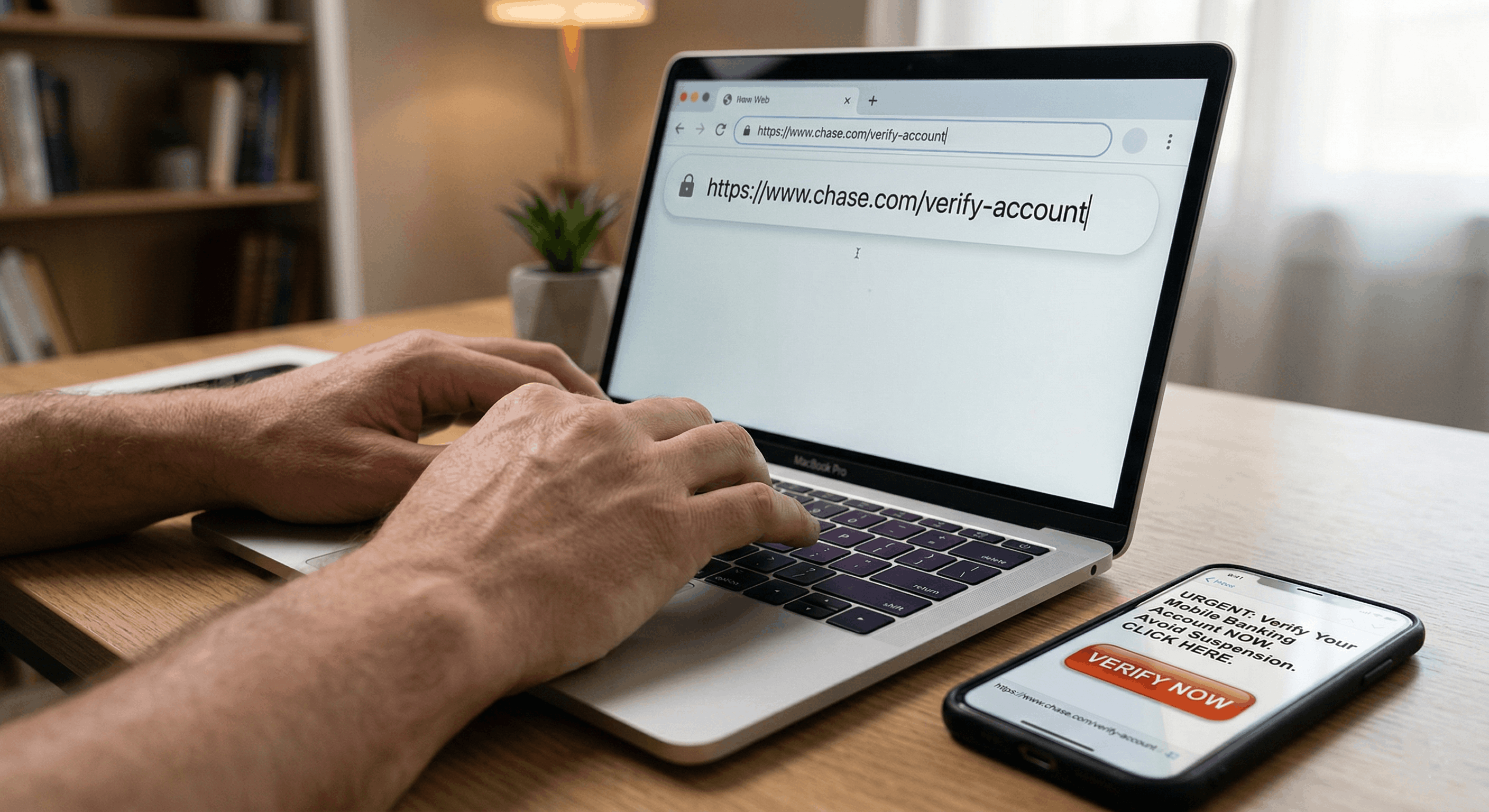
Instead of reacting to the image, independently verify the claim through official channels. Open a brand new web browser tab, manually type in the company's real website address, and log into your official account dashboard. If a massive charge or critical security alert is genuine, it will undeniably appear in your actual account history, not just in an unsolicited email attachment.
If the image is a screenshot of a product ad or an unbelievable news headline, try running the picture through a reverse image search engine. This simple step can quickly reveal if the photo is a stolen stock image, if it has been used in known scam campaigns before, or if the original, unaltered version exists elsewhere online.
Using Dedicated Scam-Detection Tools
Carefully eyeballing fonts and pixels can catch sloppy edits, but today’s scammers also lean on AI and template farms to produce screenshots and “proof” graphics that look clean at a glance. When the image is the whole pitch, you need more than intuition—you need a workflow that treats screenshots and photos as evidence to be analyzed, not decoration to skim.
That’s the role Novsy AI is built for: you can upload a suspicious image or screenshot, paste text you were sent, or drop in a link you’re being pressured to open—Novsy runs those inputs through AI trained to surface scam-style risk signals and explain what looks off, instead of leaving you to guess from a quick look at pixels. You get a structured read on what you’re dealing with before you call back, pay, or hand over credentials.
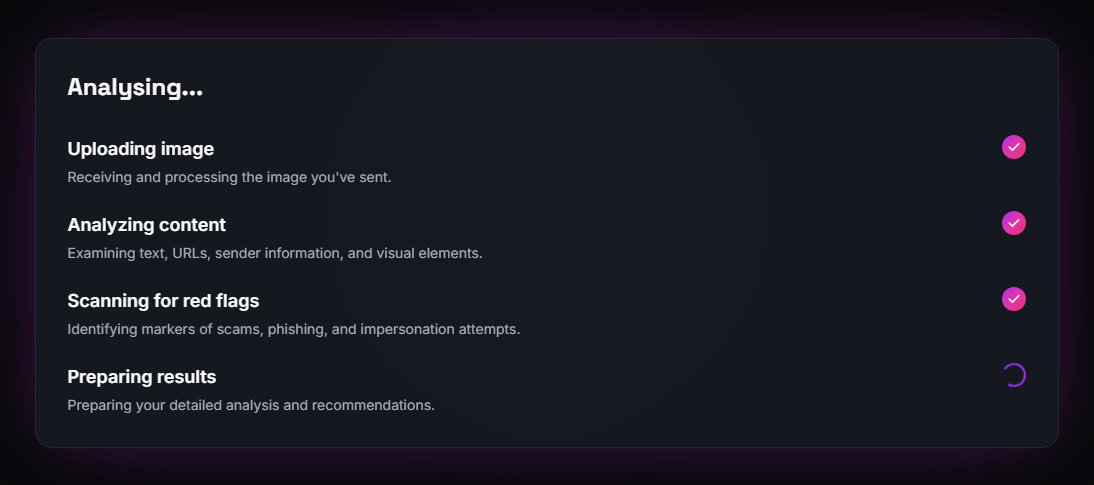
Unlike a generic photo viewer, Novsy is focused on fraud context: it’s designed to highlight manipulation cues in visuals when they show up, surface the text trapped inside screenshots so it can’t hide in the picture, and scrutinize URLs and messages the way attackers actually use them—urgent invoices, fake support chats, too-good listings—not just “is this JPEG pretty.” That’s the gap between “I looked at it” and “I actually interrogated it.”
The point isn’t to replace your common sense; it’s to compress the expertise of “what scammers do with images and links” into a fast pass you can repeat every time someone sends “proof.” If a message rushes you, demands verification under pressure, or leans on a screenshot as the only evidence, run it through Novsy first, then still confirm through official websites and your real accounts. Pairing AI-assisted screening with those independent checks is how you keep pace with scams that hide the hook in the image itself—and keep your money and data out of reach.
Start Scanning →